

Follow the steps below to apply a workflow
- Log into your Pulse website
- Click on My Pipeline

- Click on the Loan’s tab

- Locate your file and double click on the Borrower name to open
- From the center menu bar click on Workflow Setup
- Click the down arrow under the Workflow Template box and select your Workflow

- Click on Apply Workflow
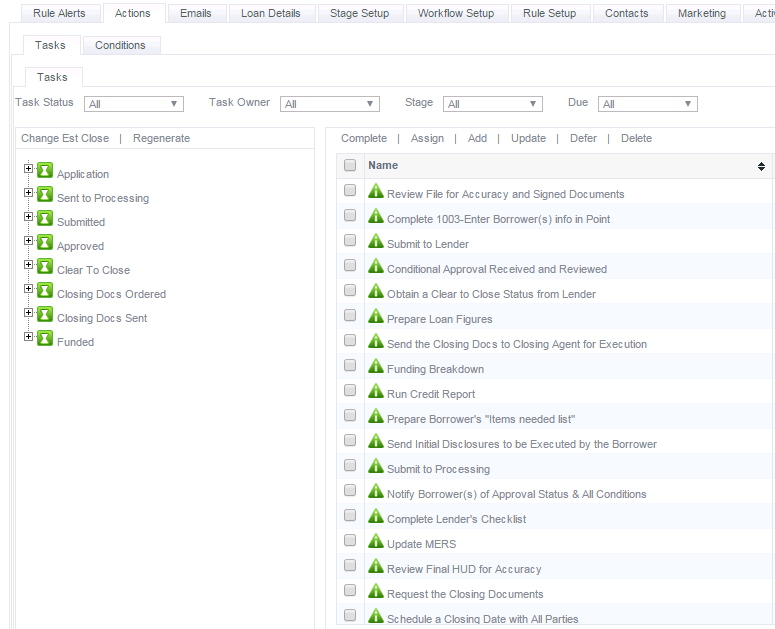
- Next click on the Actions tab to see the Stages and Task
Recent Comments